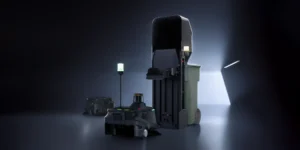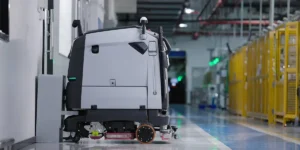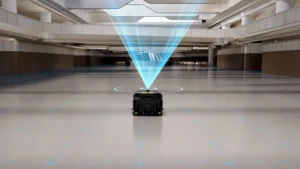
A demo is often the first time your team sees an autonomous cleaning robot working in conditions that resemble your own facility. It is a short window, so it cannot prove long-term performance. But a well-planned demo can show whether a robot type is worth a longer trial, and which questions still need answers before you talk about pricing.
This guide explains how to prepare, what to watch, what to ask the vendor, and how a demo differs from a Proof of Concept. It is written for facilities managers, maintenance directors, and operations leaders evaluating commercial cleaning robots for warehouses, manufacturing plants, schools, and other commercial buildings.
What a Demo Can and Cannot Tell You
Depending on the vendor and the situation, a demo may be a live session in your facility, a visit to another site, or a remote walkthrough. In every format, the goal is the same: see enough to decide whether a deeper evaluation makes sense.
A demo can show you:
- Whether the robot type suits your floor surfaces and the kind of debris you deal with
- How it moves through your layout and reacts to people, carts, and equipment
- How much setup and mapping it needs before it can clean
- What your staff would actually do each day to keep it running
A demo usually cannot show sustained productivity over weeks, reliability over time, the real effect on labor, or a credible return on investment. Those questions belong in a structured trial. If you are already at that stage, see our guide on what to test in a cleaning robot Proof of Concept.
| Demo | Proof of Concept | |
|---|---|---|
| Main purpose | Check basic fit and narrow down robot types | Measure performance in real daily operations |
| Typical length | A single session | An agreed period, often several weeks |
| Area covered | One or two representative zones | The zones you plan to automate |
| What you learn | Floor fit, navigation, setup, daily tasks | Productivity, interventions, labor impact, reliability |
| Decision it supports | Whether to run a trial | Whether and how to buy or lease |
Before the Demo: Prepare Your Facility and Goals
Define the cleaning problem
Start with the problem, not the robot. Loose dust and debris on large concrete floors usually points toward autonomous sweepers. Ground-in dirt and spills on sealed hard floors point toward autonomous floor scrubbers. Buildings with a mix of hard floors and carpet may be better served by multi-purpose cleaning robots. Knowing which problem matters most keeps the demo focused.
Choose representative test areas
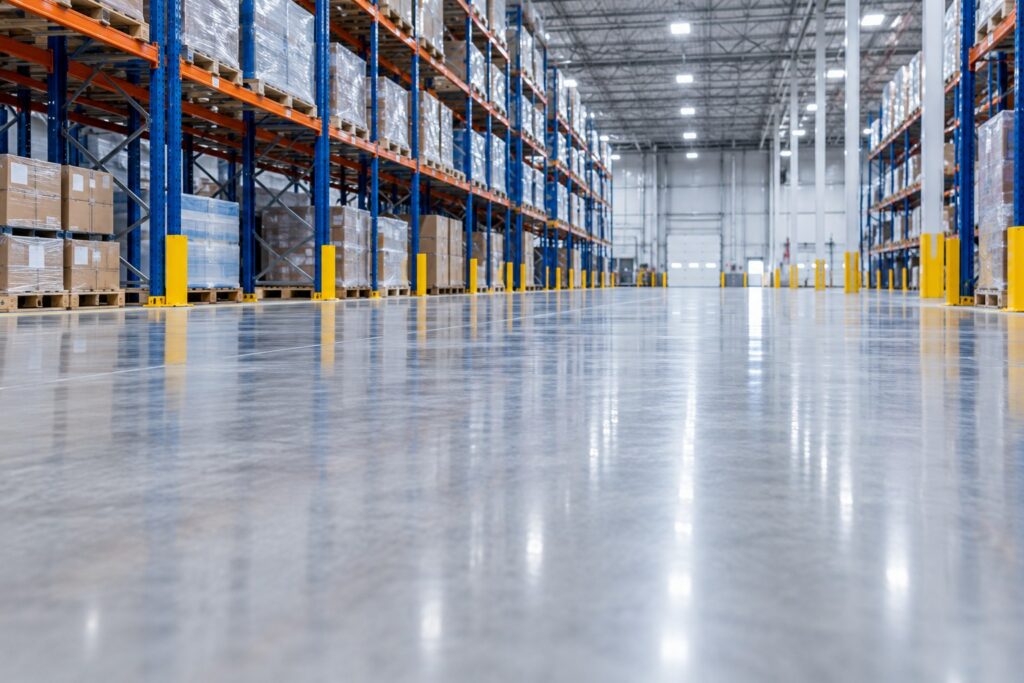
Pick one open, straightforward area and one area that reflects your real challenges. In a warehouse, that might be a main aisle plus the staging area near the dock doors. In a school, it might be a long corridor plus the cafeteria after lunch. A robot that only performs well in the easy zone has not answered your question.
Gather basic facility details
- Approximate cleanable square footage and the zones you would automate first
- Floor types and condition, including cracks, joints, ramps, and coatings (see which floors commercial cleaning robots can clean)
- Shift patterns and the times when floors are least busy
- Possible locations for charging and, for scrubbers, filling and draining water
- Wi-Fi coverage and any doors or elevators the robot would need to pass
Invite the right people
Include the person responsible for the budget, someone from the cleaning team who would work with the robot daily, an operations lead who understands traffic patterns, and your safety or EHS contact. If the robot will connect to your network, involve IT early.
What to Watch During the Demo
Cleaning results on your floors
Look closely after each pass. Check edges and corners, areas along racking or walls, and transitions between floor types. For scrubbers, watch for streaks or water left behind. Note which debris was picked up and which was left: fine dust, paper, shrink wrap, zip ties, or pallet splinters can behave very differently.
Navigation, obstacles, and traffic
Watch how the robot responds when a person walks in front of it, when a cart or pallet is left in an aisle, and near dock edges, ramps, glass, or reflective surfaces. Does it stop, reroute, or wait for help? If you want to see behavior around forklifts or other equipment, set up a controlled scenario that follows your site safety procedures rather than testing in live traffic.
Setup and mapping
Ask how the map was created and how long it took for the demo area. Find out who can edit cleaning routes and no-go zones, and what happens when your layout changes, such as when racking moves or a new line is installed.
Human interventions
Count every time someone has to step in: moving the robot, clearing a blockage, restarting a route, or emptying or refilling it. This count is one of the most useful numbers to carry into a longer trial.
Daily maintenance and supervision
Ask the vendor to show the routine tasks, not just describe them: emptying the debris bin or dirty-water tank, refilling clean water, cleaning brushes, squeegees, and filters, and returning the robot to charge. Clarify which tasks are daily, weekly, or periodic, which parts are consumables, and who on your team would own them. Our commercial cleaning robot maintenance guide shows what a typical routine looks like.
Reporting and remote monitoring
Review what the reports show, such as area cleaned, run time, and errors. Ask who receives alerts when the robot needs help and whether supervisors can check status remotely.
| Area | What to check | Watch out for |
|---|---|---|
| Cleaning result | Edges, corners, transitions, debris types | Missed zones you would still clean manually |
| Navigation | Response to people, carts, pallets, ramps | Frequent stops with no clear reason |
| Setup and mapping | Time to map, ease of editing routes and zones | Changes that only the vendor can make |
| Interventions | How often someone had to step in | Interventions treated as normal without explanation |
| Maintenance | Daily and weekly tasks, consumables | Tasks no one on your team can own |
| Reporting | Area cleaned, run time, alerts | No visibility into what was actually cleaned |
| Support | Who responds to issues and how quickly | Vague answers about service and parts |
Questions to Ask the Vendor
- Which robot type and model fits these floors and this debris, and why?
- What would deployment involve, including mapping, training, and timeline?
- What service and support is available after purchase, and who handles repairs and parts?
- What routine maintenance and consumables should we budget for?
- What purchase or leasing options are available? (Our commercial cleaning robot pricing guide explains the main cost factors.)
- What would a Proof of Concept look like here: which areas, how long, and how success would be measured?
- Which areas of our facility would you not recommend for this robot?
Matching What You See to a Robot Type
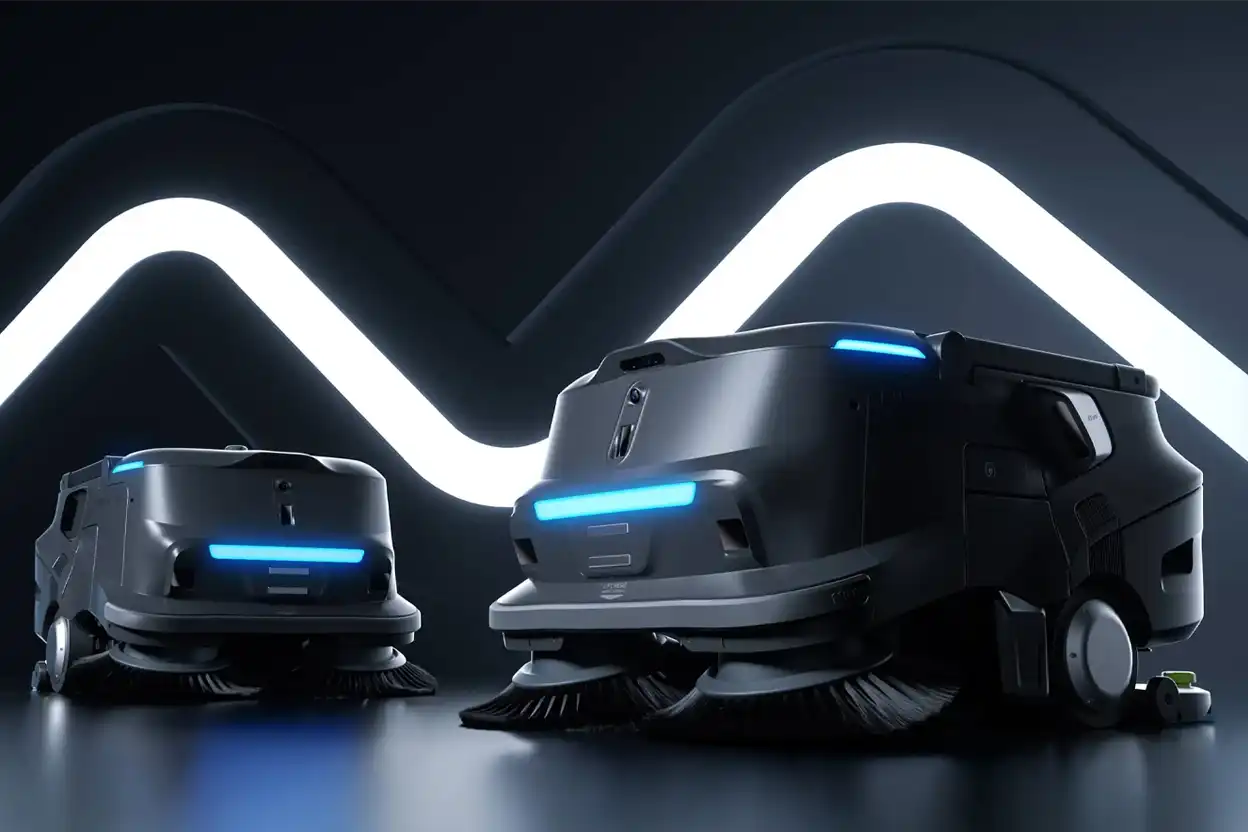
What you observe during the demo should point you toward a category, and then toward specific models. For example, Pudu Robotics positions the PUDU MT1 as an AI-powered robotic sweeper for large-scale environments, including warehouses and manufacturing plants. For facilities where fine dust and dry floor care matter more, Pudu describes the PUDU MT1 Vac as combining sweeping, vacuuming, and dust mopping.
If the demo shows that wet cleaning matters most, compare scrubber options instead. For a broader view of warehouse options, see our warehouse cleaning robot guide.
Limitations to Keep in Mind
- Demo conditions are often easier than a normal shift. Floors may be clearer and traffic lighter than usual.
- Short sessions hide long-term factors. Full-shift run time, wear, connectivity issues, and staff adoption only show up over time.
- Robots do not remove all manual work. Spot cleaning, stairs, tight corners, and large spills will usually still need people.
- Some areas may not be a good fit. Very cluttered floors, frequently rearranged zones, badly damaged floors, or outdoor areas may be unsuitable unless a model is specifically designed for them.
After the Demo: Decide the Next Step
Write down your observations within a day, while they are fresh. Include the intervention count, photos of the test areas, and any open questions. Most demos lead to one of three outcomes:
- Not a fit. Useful to know before spending more time or budget.
- Promising, with open questions. Move to a structured Proof of Concept focused on those questions.
- Clear fit. Ask for a proposal that covers the model, deployment, support, and purchase or lease options.
Talk Through Your Facility With ServicePro
If you are planning a demo or want help deciding which robot type to evaluate first, ServicePro can review your floors, layout, and cleaning schedule with you and discuss whether a demo or Proof of Concept makes sense. Schedule a conversation about your facility to get started.